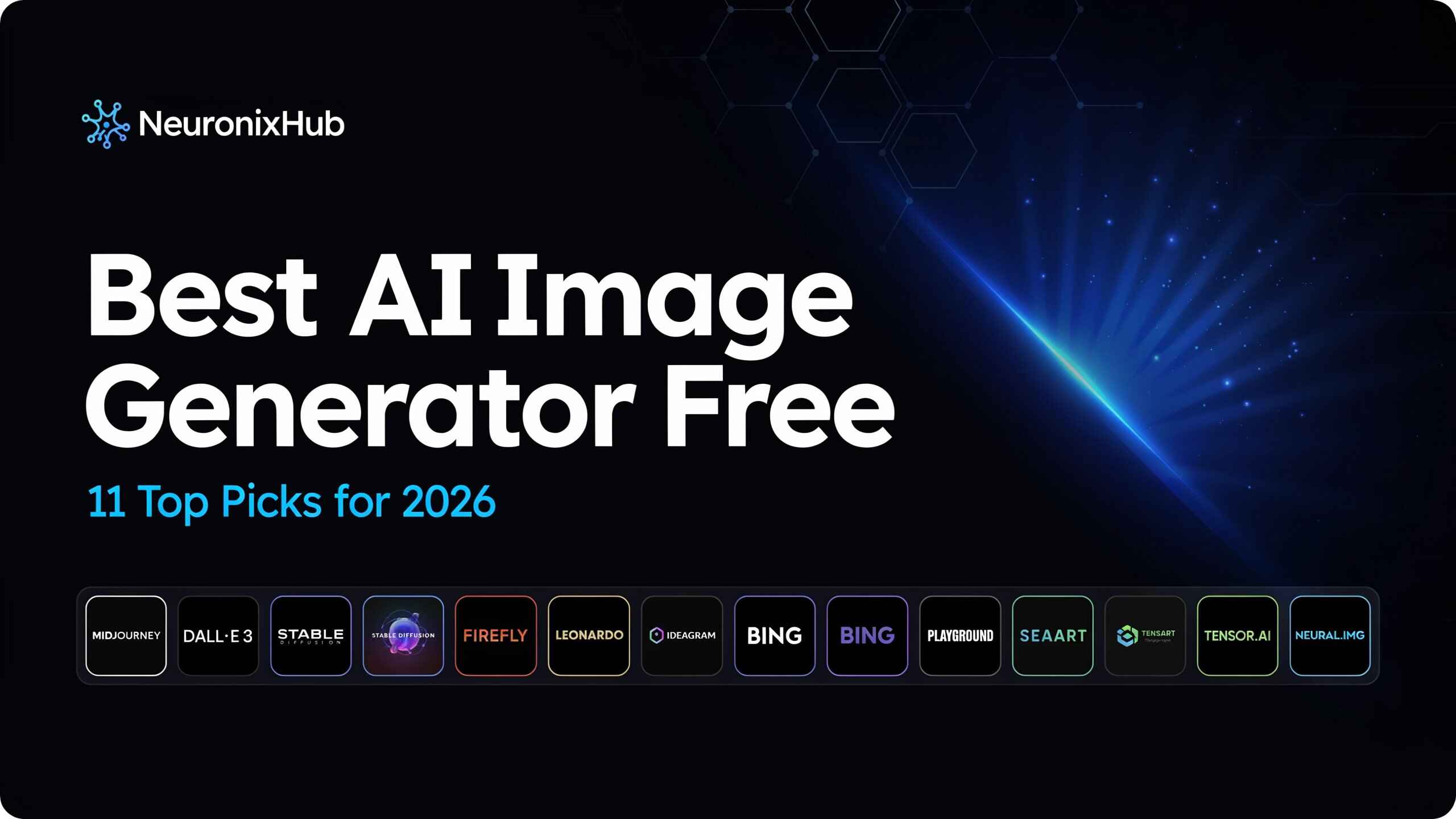
Not long ago, getting a decent image meant hiring a designer or losing an afternoon to Photoshop tutorials. Now you can type a sentence and have a finished visual on screen before your coffee gets cold. That’s the appeal behind every search for the best AI image generator free tools can offer — whether you’re putting together social posts, mocking up a product idea, or just chasing a concept you can’t quite picture yet. The 2026 lineup is sharper than it’s ever been, and a handful of these tools now match output that would’ve cost a monthly subscription two years ago.
The catch is that “free” covers a lot of ground. Some tools cap you at five images a day, some stamp a watermark across everything, and a few bury commercial-use restrictions in the fine print. Picking the right one depends on what you’re actually making and how often you’ll need it. Before the 11 picks below, it’s worth knowing what separates a genuinely useful free AI image generator from one that wastes your afternoon.
Last updated June 2026. We tested each tool using the same set of prompts — one photorealistic, one stylized, one requiring embedded text — and confirmed free-tier limits against each platform’s current pricing page. Free plans change often, so treat the numbers below as a snapshot rather than a permanent ranking.
What Makes a Great Free AI Image Generator in 2026
Before comparing tools, here’s what actually separates a useful one from a frustrating one.
Image Quality and Realism
Look for sharp detail, consistent lighting, and textures that don’t feel plastic. Hands, embedded text, and busy scenes are still where most models slip — don’t trust a single polished sample image. Generate three or four and judge the average, not the best case.
Free Usage Limits and Watermarks
Daily caps and watermarks vary more than most comparison pages admit. A few tools — Gemini and Stable Diffusion among them — give you clean, watermark-free exports. Others throttle you to a handful of images before nudging you toward a paid plan.
Speed and Ease of Use
A great tool shouldn’t need a tutorial. If you’re reading documentation before your first image, that’s usually a sign to try something else.
Commercial Use Rights
Check the licensing terms before putting any AI image into client work or a product listing. Free access and free-to-use commercially are two different things, and the gap between them can cost you later.
Quick Comparison: Best Free AI Image Generators at a Glance
Short on time? This table covers the basics before you dive into the full breakdown. Every tool here has a genuinely usable free tier, though limits, watermarks, and licensing terms vary more than the marketing pages let on. Treat it as a snapshot — free plans shift quickly, sometimes month to month, so confirm current limits before committing to one for ongoing work.
| Tool | Best For | Free Limit | Standout Feature |
| Google Gemini (Nano Banana Pro) | Best Overall | ~100 images/day | Accurate, detailed, no signup hassle |
| FLUX.2 [dev] | Photorealism | Free via self-host/Spaces | Strong prompt fidelity |
| Canva AI Image Generator | Beginners | Free with limits | Built into a familiar design tool |
| Midjourney | Artistic Styles | Limited free trial | Painterly, visually striking results |
| Adobe Firefly | Commercial Projects | Free monthly credits | Commercial-safe licensing |
| Leonardo AI | Mobile App | Free daily credits | Fast, on-the-go generation |
| Bing Image Creator | Fast Generation | Free with daily boosts | Quick, no-cost DALL-E access |
| Stable Diffusion | Open-Source | Free (self-hosted) | Full customization and control |
| Playground AI | Anime/Illustration | Free daily credits | Wide stylistic range |
| ChatGPT (GPT Image) | Editing Existing Images | Free with limits | Strong text-in-image editing |
| Reve Image | Hidden Gem | Free plan available | Underrated quality-to-cost ratio |
The 11 Best Free AI Image Generators in 2026
We ran the same three prompts — one realistic, one stylized, one text-heavy — through all 11 tools below to see how they actually held up, not just what each company claims. A few specialize in photorealism, a few lean into stylized art, and a couple win simply by being painless to use. They’re ranked by category rather than crowned with a single “best,” because the right pick depends on what you’re building and how often you’ll lean on it. Here’s the breakdown, starting with the tool that currently tops the free tier overall.
1. Google Gemini (Nano Banana Pro) — Best Overall
2. FLUX.2 [dev] — Best for Photorealism
3. Canva AI Image Generator — Best for Beginners
4. Midjourney — Best for Artistic Styles
5. Adobe Firefly — Best for Commercial Projects
6. Leonardo AI — Best Mobile App
7. Bing Image Creator — Best for Fast Generation
8. Stable Diffusion — Best Open-Source Option
9. Playground AI — Best for Anime/Illustration Style
10. ChatGPT (GPT Image) — Best for Editing Existing Images
11. Reve Image — Best Hidden Gem
How to Choose the Right Free AI Image Generator for You
The right pick depends entirely on what you’re using it for. Here’s how to narrow it down by use case.
For Social Media Content
Speed and variety win here. Bing Image Creator and Leonardo AI are built for quick turnaround, so you can generate a handful of options and move on without worrying much about commercial licensing.
For Marketing and Business Use
Commercial rights matter more than anything else. Adobe Firefly was built specifically for this — its licensing clarity is what protects you when an AI image ends up in an ad or on a client’s site.
For Personal or Creative Projects
Creative freedom beats polish. Midjourney and Playground AI lean into distinctive, stylized output that suits personal projects and experimentation better than brand-safe marketing assets.
Once you’ve picked the right category, the next step is learning how to get good results out of it — because even a great tool disappoints with a lazy prompt.
How to Use a Free AI Image Generator (Step-by-Step)
Even the best tool only performs as well as the instructions you give it.
Writing Effective Prompts
Be specific. “A dog in a park” gets you something generic; “a golden retriever running through autumn leaves at golden hour” gets you something usable. Mention style, lighting, mood, and composition, and the quality gap becomes obvious fast.
Common Mistakes to Avoid
Vague prompts produce vague images — that’s the most common complaint, and it’s almost always a prompting problem, not a tool problem. Avoid stacking conflicting ideas into one prompt; the model has to guess what to prioritize. Skipping style cues leads to that flat, generic “AI look,” and ignoring aspect ratio settings can wreck a composition meant for a specific platform. Give a tool three or four attempts before deciding it’s not good enough — the first result rarely tells the full story.
Once your prompts start producing consistent results, the next question is whether the free tier still covers you, or whether it’s time to pay.
Free vs. Paid AI Image Generators: Is Upgrading Worth It?
Spend enough time on a free plan and the question of upgrading comes up eventually. The honest answer depends entirely on how often you’re using the tool.
Free plans are genuinely good in 2026, especially for casual use, students, or anyone testing ideas occasionally. But they still come with trade-offs: daily caps, lower resolution, watermarks on some platforms, or slower generation when traffic spikes. If you’re producing content regularly, running a business, or need predictable high-resolution output, paid tiers usually remove that friction and add things like commercial licensing, priority generation, or deeper editing tools.
For most personal use, a strong free tool like Gemini or Leonardo AI covers everything you need. For marketers, designers, or anyone using AI imagery professionally, the upgrade tends to pay for itself in saved time alone. It comes down to how often you’re hitting “generate” — and what that time is worth to you.
Final Verdict: The Best Free AI Image Generator for Most People
Here’s the short version: the best free AI image generator isn’t whichever one has the flashiest demo reel — it’s whichever one matches what you’re actually trying to make. For most people right now, that’s Google Gemini’s Nano Banana Pro, mostly because it pairs real image quality with a free tier generous enough to use daily without constantly hitting a wall. But the bigger story isn’t which tool wins. It’s that 2026 is the first year free AI image generators stopped feeling like the compromise option. Whether you need photorealism, commercial-safe licensing, or just something fun to play with, there’s a genuinely free tool that can keep up — and that shift matters more than any single ranking.
Frequently Asked Questions
Is there a free AI image generator with no watermark?
Yes — Google Gemini (Nano Banana Pro) and Stable Diffusion both let you generate and download watermark-free images on their free tiers, unlike many competitors that brand free outputs.
Can I use the best AI image generator free for ads?
It depends on the tool’s licensing. Adobe Firefly is built for commercial use, while others like Midjourney require a paid plan before outputs can be used in client or ad work.
Which is the best AI image generator free for beginners?
Canva AI Image Generator is the easiest entry point thanks to its drag-and-drop interface, while Google Gemini offers higher-quality results with almost no learning curve.
Are free AI image generators safe and private to use?
Reputable tools like Gemini, Canva, and Adobe Firefly are generally safe, but always check each platform’s privacy policy, especially before uploading personal photos.
How many images can the best free AI generator make?
It varies by tool — Gemini’s free tier allows up to 100 images per day, while others cap you at a handful daily, so check current limits before relying on one tool long-term.